20Nis/15
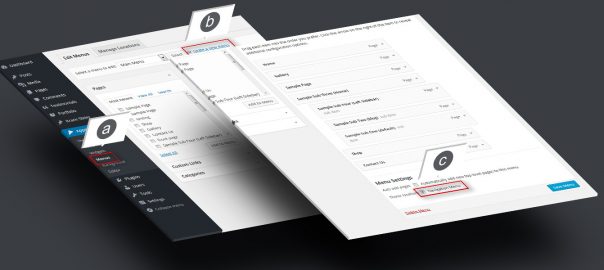
Step 1. Menu Setup
a. Go to “Appearance” > “Menus”. b. Create a new menu, add pages and links c. Check “Navigation Menu” and save

a. Go to “Appearance” > “Menus”. b. Create a new menu, add pages and links c. Check “Navigation Menu” and save
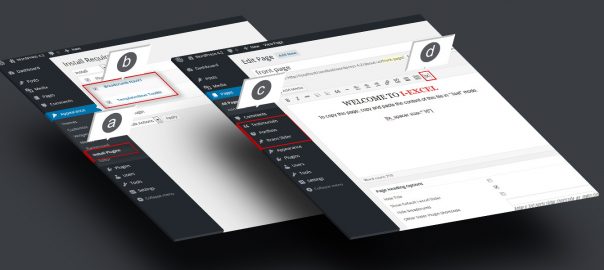
a. Go to “Appearance” b. Check “Templatesnext Toolkit” and “Breadcrumb NavXT” c. Install and activate
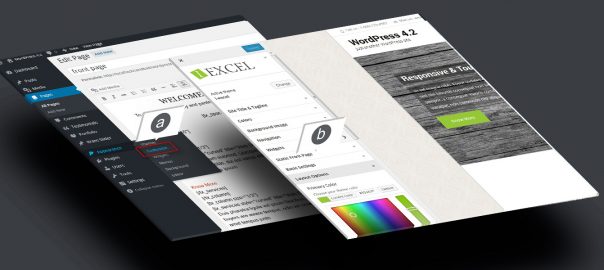
a. Go to “Appearance” > “Customize”. b. Setup your theme color, logo, layout etc.